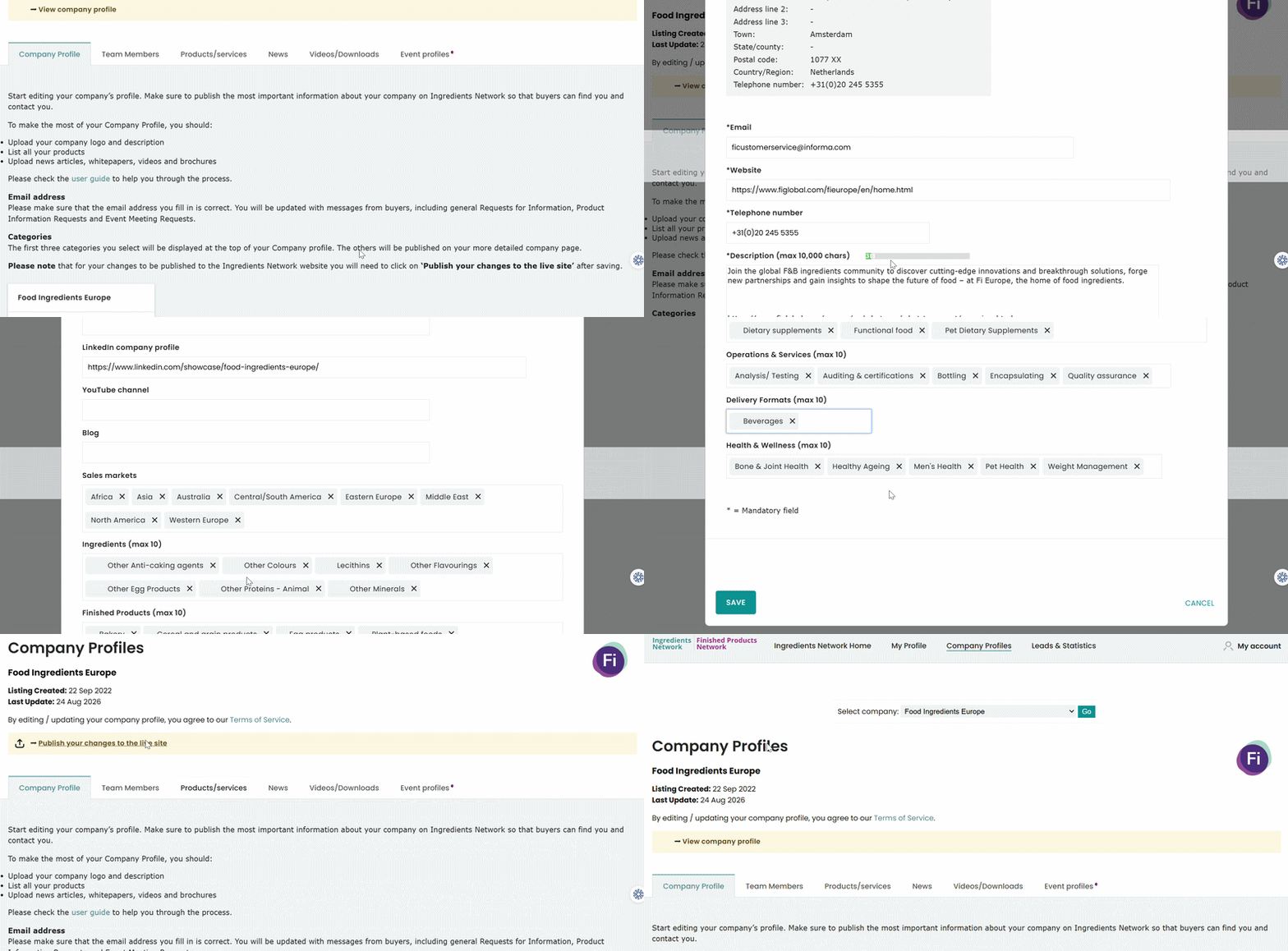
There are editable and non editable fields in the company profile section.
The non editable fields are as follows:
- Company name
- Address
- Town
- State/ Country
- Postal code
- Country/ Region
- Telephone Number
If you wish to make any changes to these fields, you must reach the support team
The fields that can be edited by you are as follows:
- Website
- Description
- Primary Company Activity
- Business Sector
- Logo
- Facebook page
- X page
- LinkedIn company profile
- YouTube channel
- Blog
- Sales Market
- Ingredients
- Finished Products
- Health & Wellness areas
- Delivery formats
- Operations& Services
After making the necessary changes, don't forget to click on Save and Publish your changes to the
live site.
Was this article helpful?
That’s Great!
Thank you for your feedback
Sorry! We couldn't be helpful
Thank you for your feedback
Feedback sent
We appreciate your effort and will try to fix the article