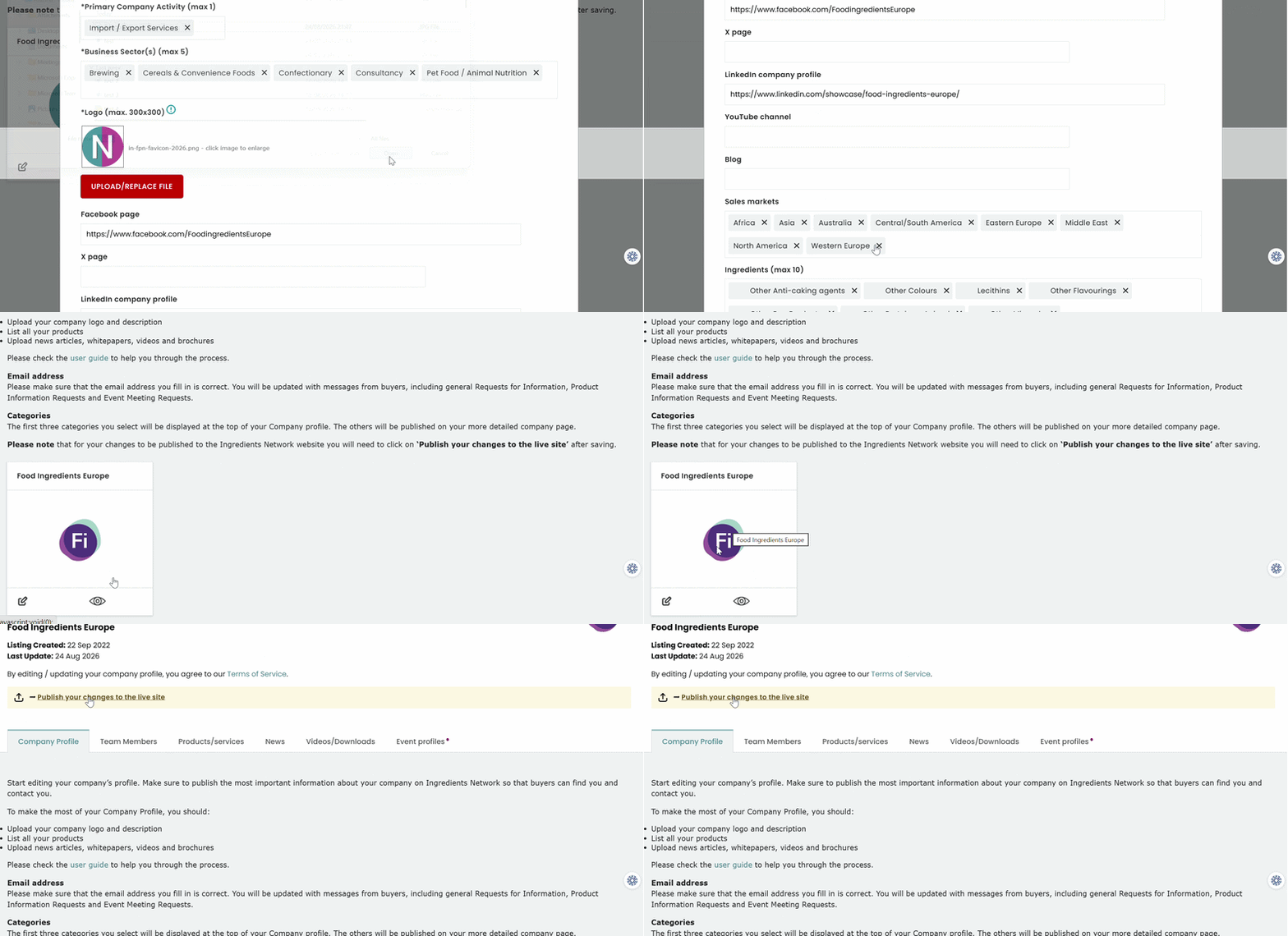
After making any changes to the existing information click on Save at the bottom of the page. You
must then click on Publish your changes to live site in order for these changes to be reflected on
the live site. Without clicking on Publish your changes to the live site, the changes will not be
reflected.
Was this article helpful?
That’s Great!
Thank you for your feedback
Sorry! We couldn't be helpful
Thank you for your feedback
Feedback sent
We appreciate your effort and will try to fix the article