Login to the Ingredients Network and Finished Products Network platform and click on
company profile from the my account dropdown.
To add a News item - Go to the News tab and click on + ADD ITEM
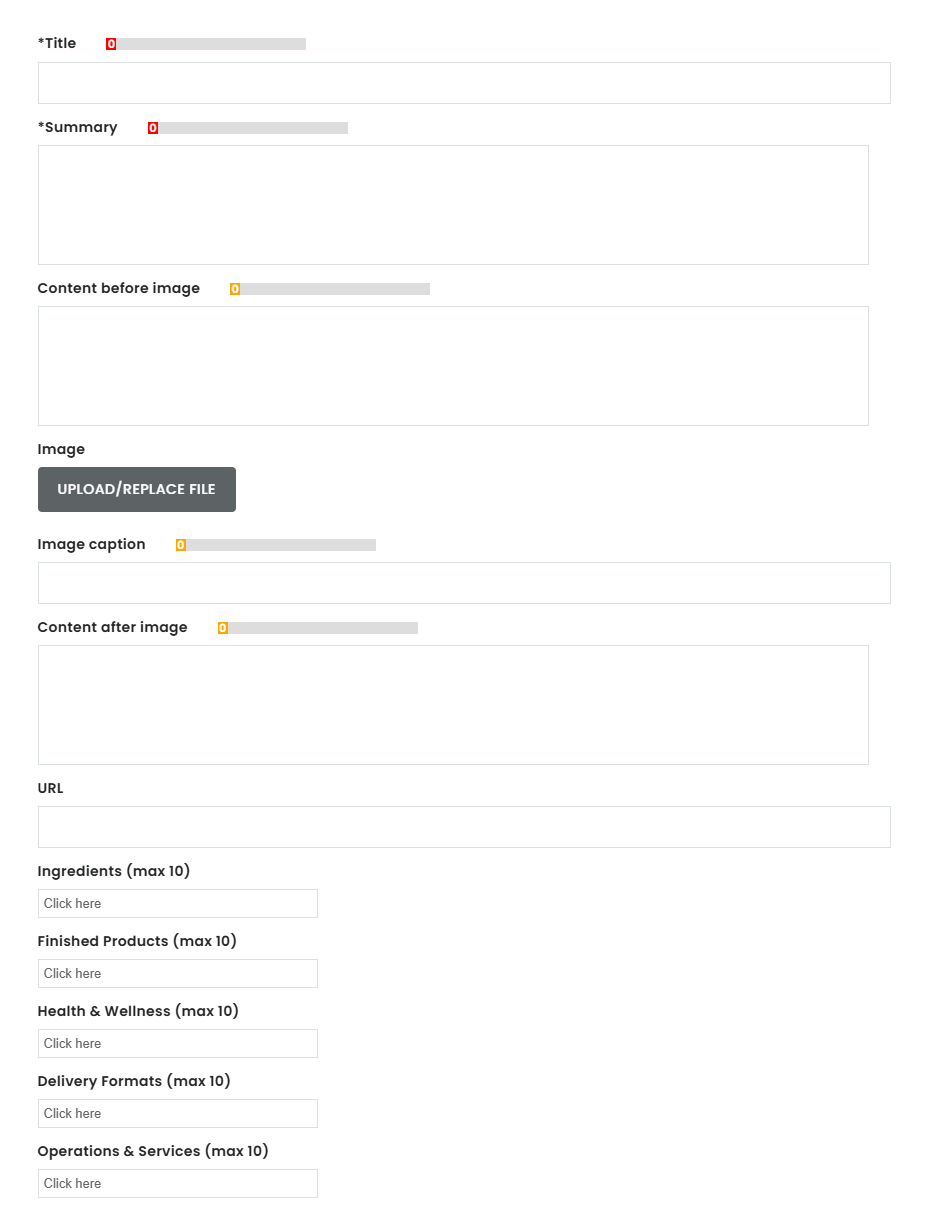
Fill in the fields –
- Title.
- Summary.
- Content before image.
- Image.
- Image caption.
- Content after image.
- URL.
- Ingredients.
- Finished products.
- Health & wellness areas.
- Delivery formats.
- Operations & services.
Then click on save and publish changes to live site.
Note: Our editorial team will review this in the backend and approve this within 2 business days and
make this live. If it meets our standards, we’ll publish it promptly. If changes are needed, the
publication team will email you with clear guidance on what to update so your article can go live.
Was this article helpful?
That’s Great!
Thank you for your feedback
Sorry! We couldn't be helpful
Thank you for your feedback
Feedback sent
We appreciate your effort and will try to fix the article