To add a new member -
Click + ADD ITEM
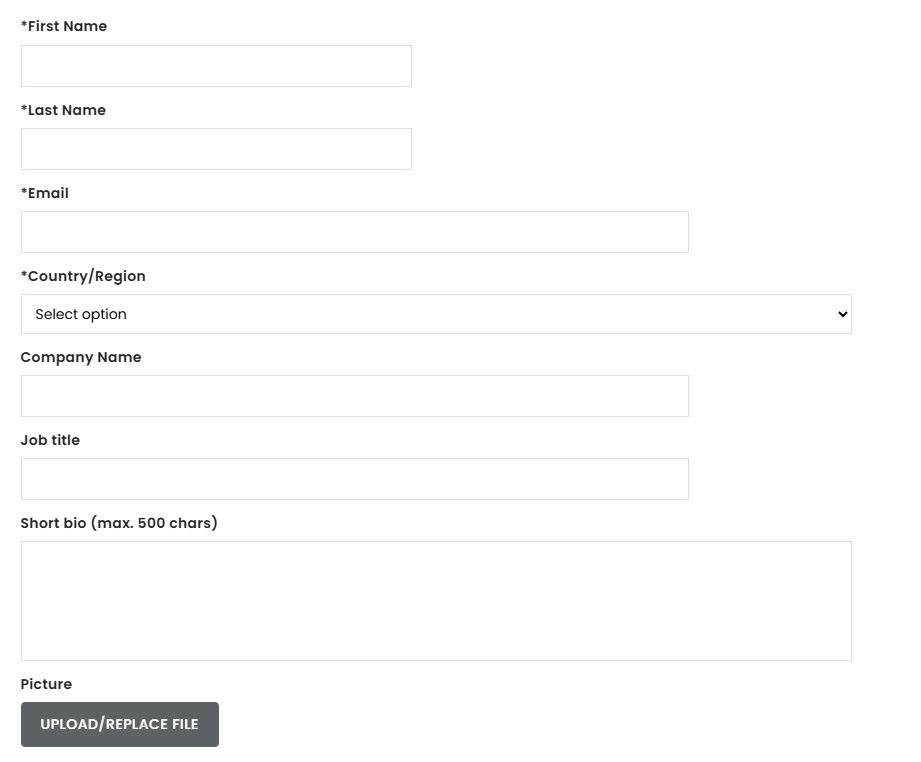
Fill the below mandatory fields -
- First name
- Last name
- Country/ region
Fill the below non mandatory fields -
- Company name
- Job Title
- Short Bio
- Picture
To grant the member the Administrator rights, please contact Customer Service at
To edit an existing member: Click the pencil icon to change name and email. To grant a member
Administrator rights please contact Customer Service at ingredientsnetworkCS@informa.com.
Was this article helpful?
That’s Great!
Thank you for your feedback
Sorry! We couldn't be helpful
Thank you for your feedback
Feedback sent
We appreciate your effort and will try to fix the article