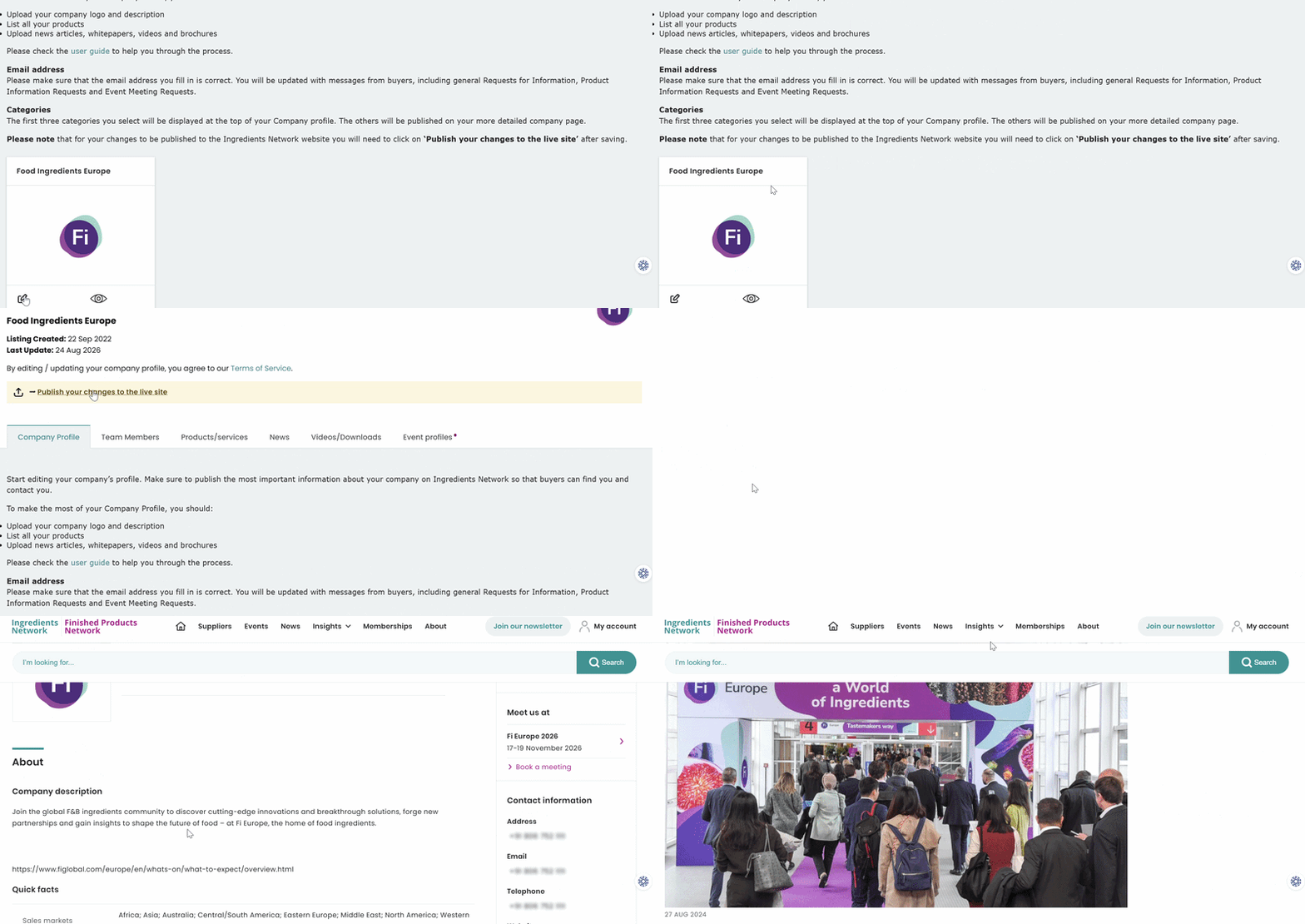
Login to the Ingredients Network and Finished Products Network platform and click on company
profile from the my account dropdown. Navigate to the company profile and make the desired
changes. After making the necessary changes, click save at the bottom. After saving click publish
your changes to the live site to push the updates live. You may either click on view your company
profile or the eye icon to check if the changes are reflected on your profile. If the changes aren't
showing up even after following the above step, please contact the customer service at
ingredientsnetworkCS@informa.com.
Was this article helpful?
That’s Great!
Thank you for your feedback
Sorry! We couldn't be helpful
Thank you for your feedback
Feedback sent
We appreciate your effort and will try to fix the article